If you can Try it out, your agent can too.
A Swagger UI plugin that turns an OpenAPI docs page into a session-scoped tool set for browser agents. The agent calls the API through the login, server and request pipeline you already have open. No MCP server, no AI SDK, no token copied anywhere.
npm install swagger-ui-webmcpPublished on npm as swagger-ui-webmcp. Peers: swagger-ui >=5.32.0 <5.34.0 and react >=18 <20. Add it as a Swagger UI plugin:
import SwaggerUI from "swagger-ui";
import SwaggerUIWebMCP from "swagger-ui-webmcp";
import "swagger-ui/dist/swagger-ui.css";

SwaggerUI({
  dom_id: "#swagger-ui",
  url: "/openapi.yaml",
  plugins: [SwaggerUIWebMCP],
  webMcp: { exposure: "write" },
});
The plugin registers tools on document.modelContext when the browser provides it, and registers none when it does not. See Getting started for the full walkthrough.
try it now
This is the deployed demo, a stateful Waypoint project-tracker API with Sandbox and Production data stores. No sign-in needed. Agent tools appear only in a browser that implements WebMCP; everything else works for humans either way.
Prefer a full tab? Open the demo. The demo guide has a prompt to paste into your agent.
what it looks like
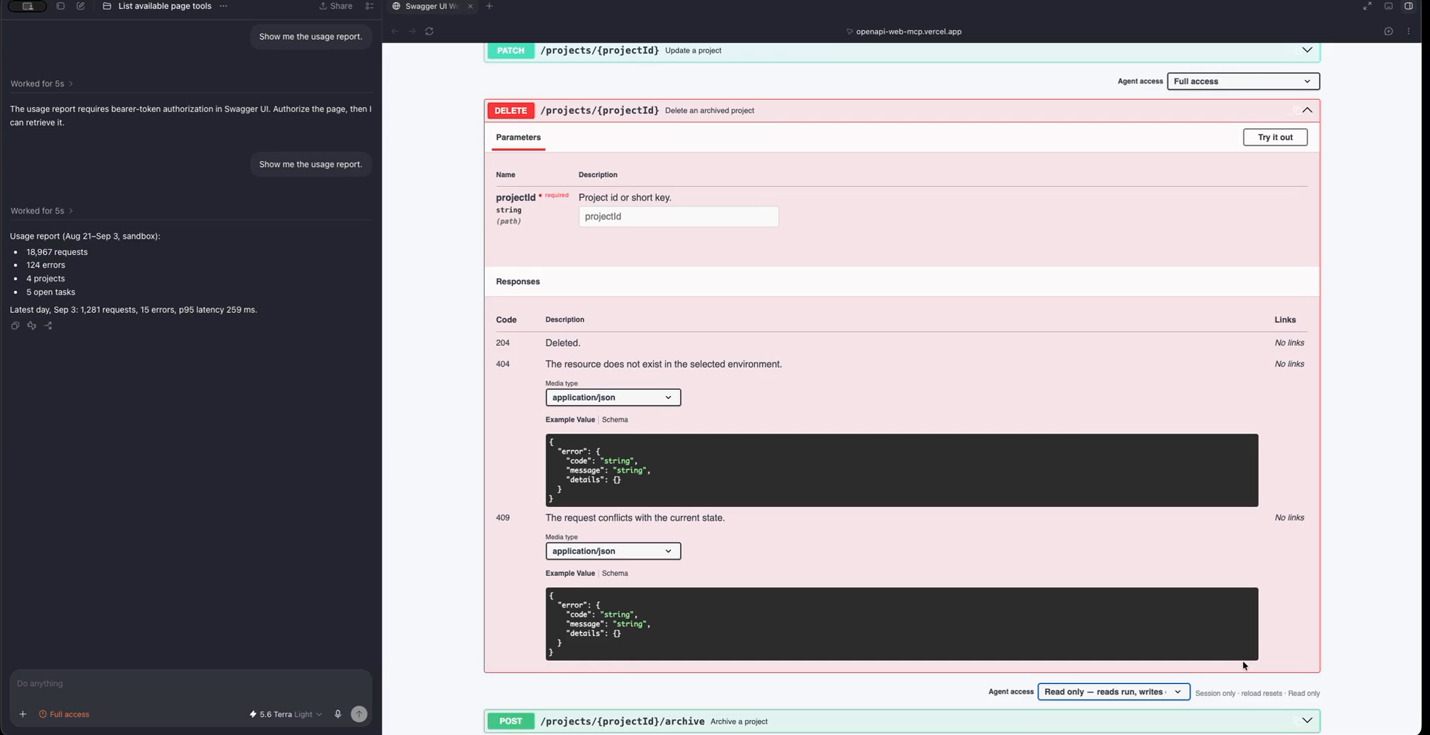
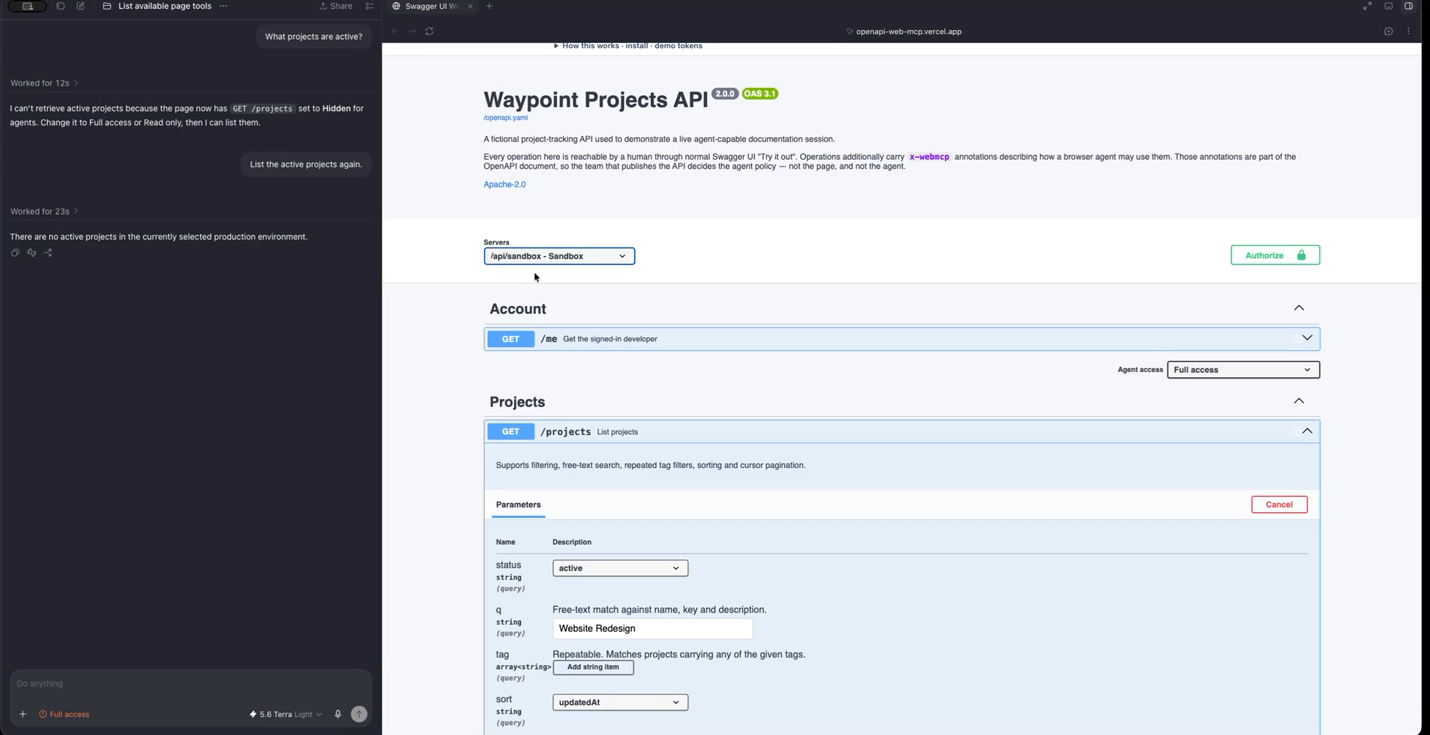
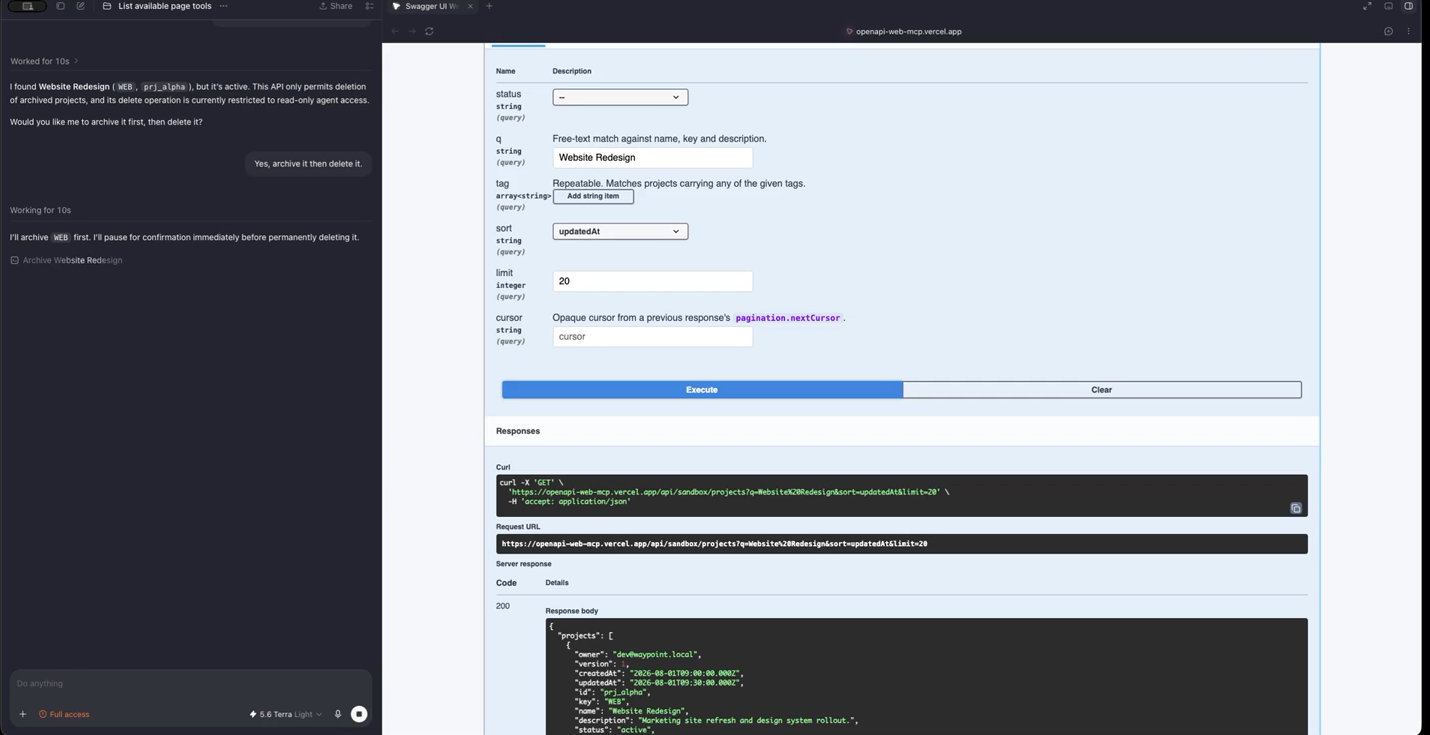
what you get
- the page is the integration
- Tools are derived from the loaded OpenAPI document and run through Swagger UI's own
specActions.execute, so login, selected server and interceptors are inherited. - four parties, one lattice
- API publisher (
x-webmcp), page owner, the person at the page, and the WebMCP client each narrow access. Levels arehidden < read < write; the tightest wins. - live per-operation locks
- A dropdown next to Try it out sets Full access, Read only or Hidden for this tab. It resets on reload, and no tool input can change it.
- untrusted specs stay untrusted
- A spec can hide or hold operations at read, but cannot talk a read-only page into writes. Malformed annotations are dropped, not guessed at.
- same panel, agent and human
- Agent calls render in Swagger's normal response panels, so you can compare what the agent sent with what you would have sent.
- audit hint
- The exported
agentExecutionlets a page's request interceptor tag agent traffic. It is a hint, not an identity proof.
docs
Start with Getting started, then read who decides what an agent may touch, the x-webmcp extension, security and limitations, and the tool reference. Source is on GitHub (Apache-2.0).