
GitHub Stories
Stories for GitHub. Yes, those Stories.
Photos, videos, selfies, concerts, cats, food, memes, shitposts. They expire after 24 hours. They appear on avatars you already know — and in your terminal.
gh extension install command.
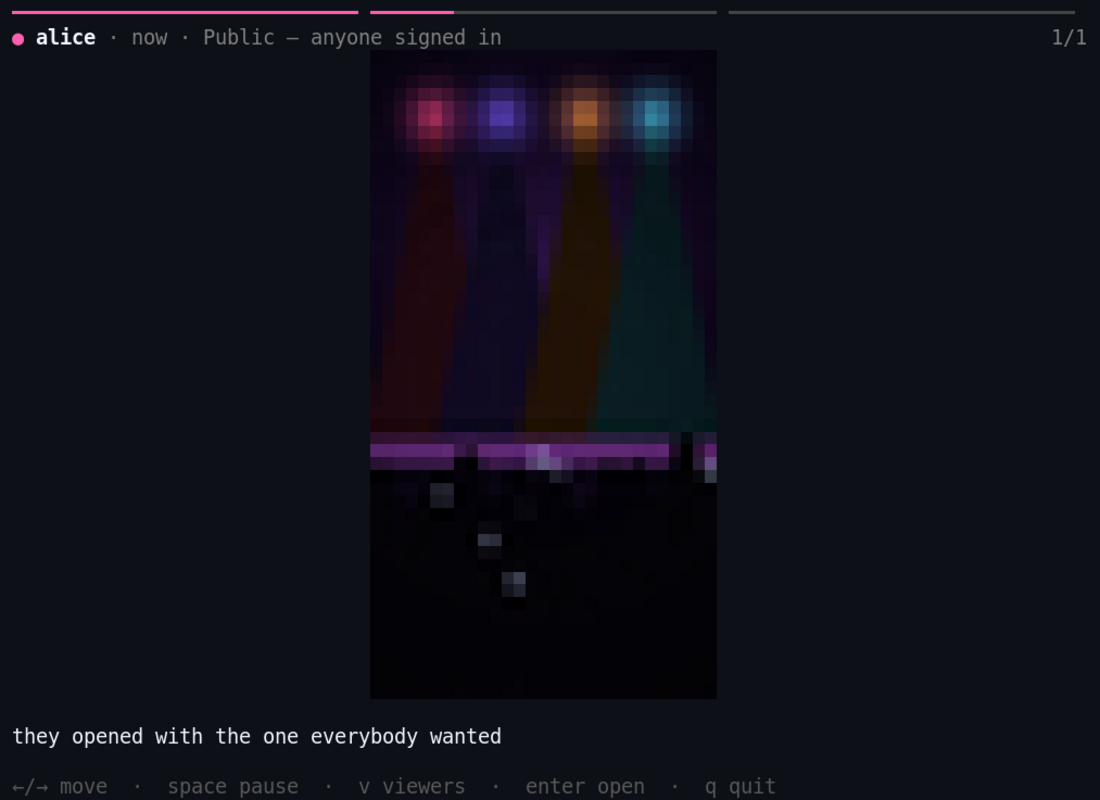
gh stories, in kittyWhat it is
Three pieces. One Story.
Rings on avatars you already know
The same magenta-to-amber ring you already recognize, now around the avatars on pull requests, issues and profiles. Click one; the code review is still there when you close it.
A composer
Drag in a photo or video, crop it, caption it, pick who sees it, post it. It disappears on its own in 24 hours — nothing to clean up later.
The same Stories in your terminal
gh stories shows the identical Story as an actual rendered image, next to the shell you were already in.
A picture. In your terminal. Really.
gh stories renders the actual image inline — via the Kitty graphics protocol in terminals that speak it, and via iTerm2's inline images protocol on iTerm2. Everywhere else, it falls back honestly: it opens the image in your default viewer instead of drawing it inline, and says so.
Video plays inline in kitty, as moving pixels, using the graphics protocol's frame animation. That needs ffmpeg on your machine and does not work over SSH, because the frames are handed to the terminal as local files. Everywhere else the CLI shows the real poster frame plus a command to open it, and tells you which one you got.
Privacy, plainly
Five audiences, chosen before you post — never after. Plain language, not access-control jargon.
- People I follow
- My followers
- Mutuals
- Custom list
- Public — anyone signed in
Every item expires exactly 24 hours after it was published — not after the account's last post, per item.
Private media is streamed through an authorization gateway, not a signed URL that keeps working after you've changed your mind.
None of that un-sends a photo someone already saw. If a pixel already reached another person's screen, deleting it here does not reach back and remove it from their device.
Install
Two independent clients, one account.
gh extension install alliecatowo/gh-stories
gh stories setup
gh stories login
gh stories
The browser extension is a manual install for now: download the archive from the latest release and load it as an unpacked/temporary extension. Full steps for Chrome, Edge and Firefox are on the install page.