Usage
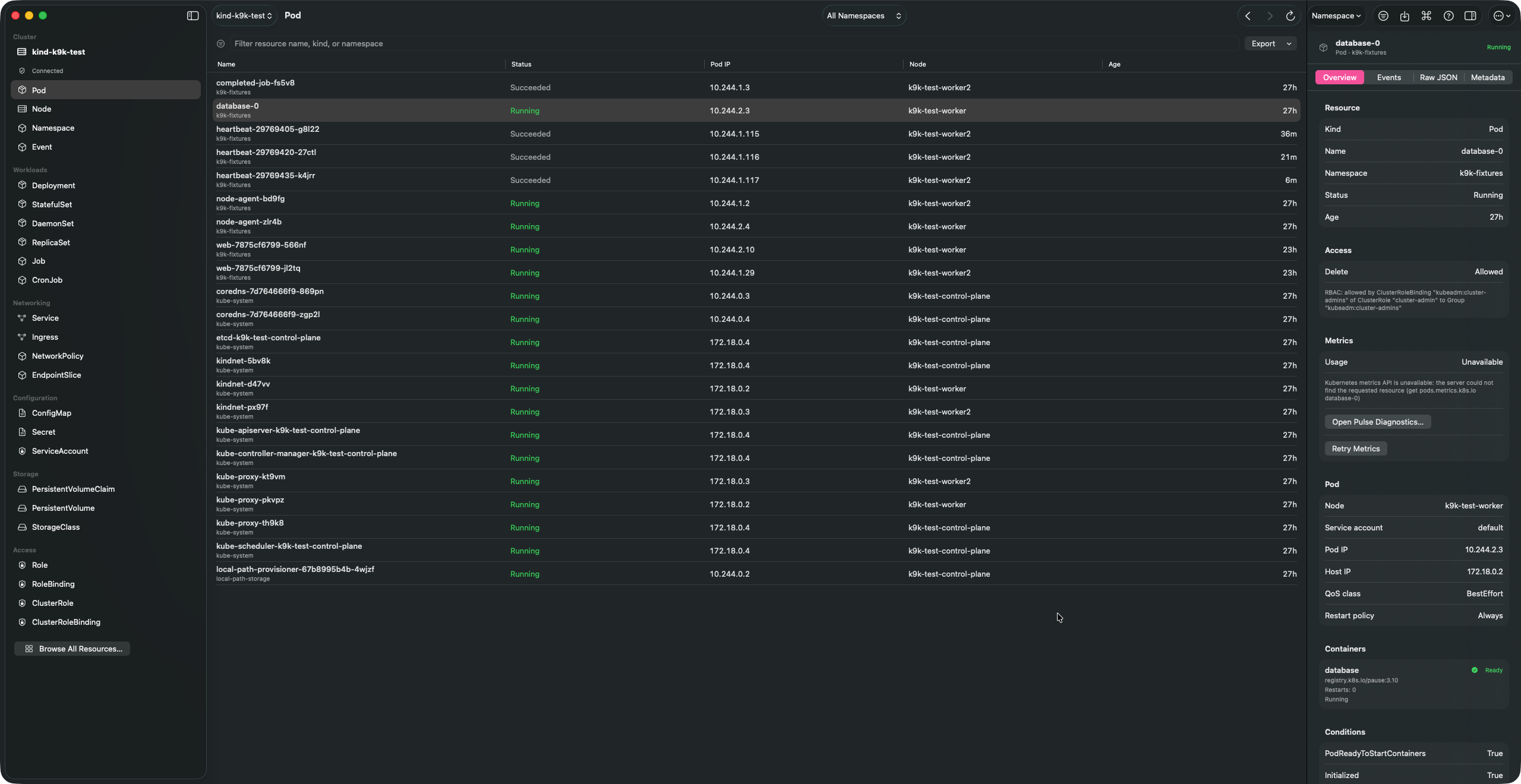
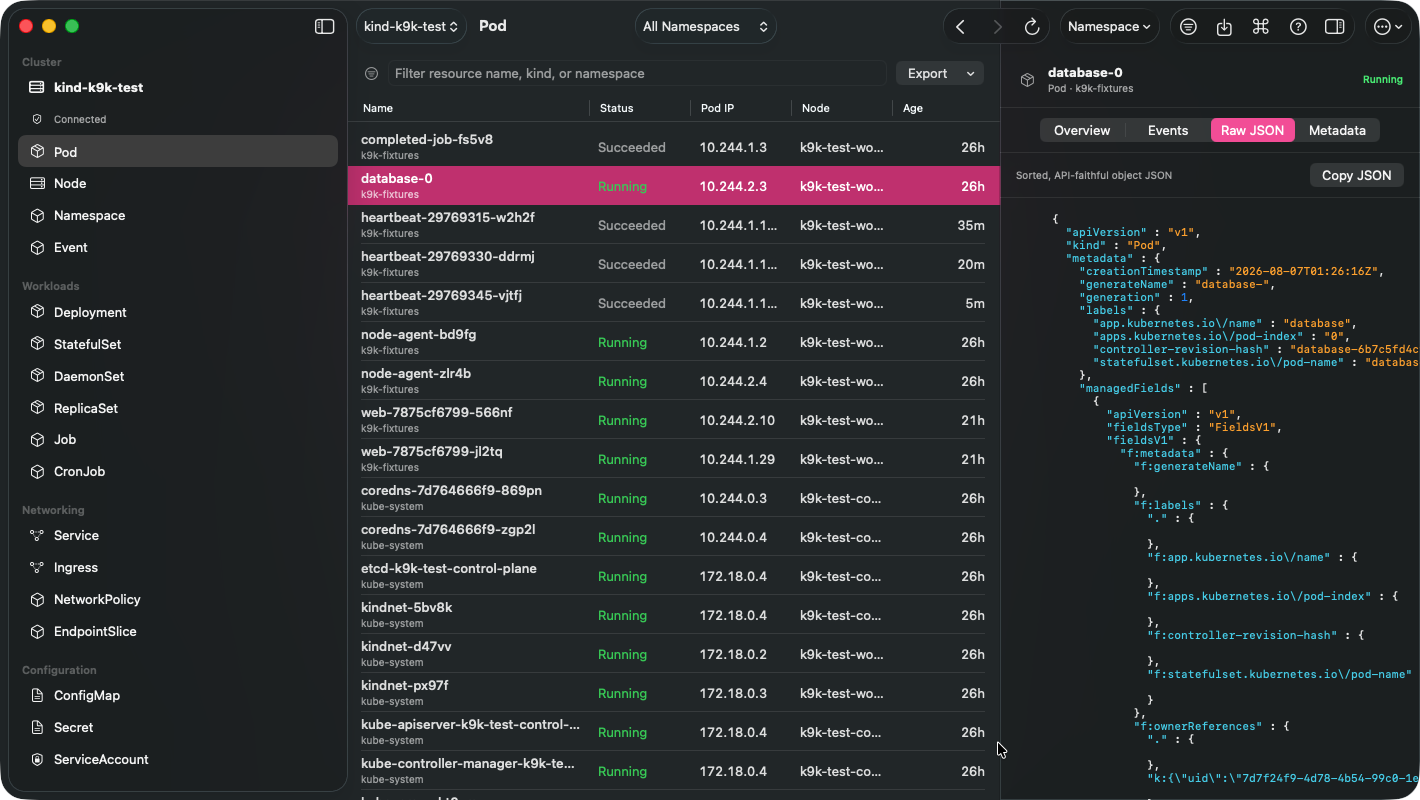
Open a cluster, choose a namespace, and move through live resources in a dense native table. The sidebar, command palette, inspector, sheets, and toolbar are standard macOS controls; Kubernetes semantics stay in the bundled helper.
Cluster → Namespace → Deployment → Inspector → Rollout / Events / Raw JSON
                                      ↘ Scale · Restart · Roll back · Edit manifest
Workflows
- Browse built-in resources and CRDs through discovery, with live list/watch updates.
- Filter, sort, select, export, and inspect resources; save named per-context query scopes.
- Inspect syntax-highlighted raw JSON, metadata, owners, annotations, events, RBAC, rollout state, and available metrics.
- Stream logs; open a real ANSI/VT Pod terminal; attach; add a confirmed ephemeral debug container.
- Transfer regular files or directories to and from a Pod through bounded, traversal-safe tar streams over
pods/exec. - Create loopback-only Pod or Service port-forwards, manage several at once, and benchmark a K9k-owned forward.
- Scale, restart, roll back Deployments, trigger CronJobs, cordon/drain Nodes, and apply UID-protected manifests.
- Import up to 100 mixed-resource manifests from pasted YAML, files, or a directory: each document is dry-run before a confirmed, explicitly non-atomic apply.
- Manage kubeconfig context references graphically, including default namespace, duplicate, rename, delete, and switch.
- See K9s aliases, custom views, jumps, hotkeys, and plugins; edit K9s-compatible configuration safely.
- Browse metadata-only Helm release revisions, use native navigation history, and check access with a graphical
kubectl auth can-iequivalent.
Example: inspect and safely change a rollout
- Select Deployment in the sidebar and choose a workload.
- Read readiness, revision, conditions, related events, and RBAC access in the inspector.
- Use More → Scale, Restart, or select an inactive ReplicaSet and Roll Back.
- Every mutating action is access-reviewed, read-only-aware, and confirmed.
Example: work inside a production Pod
- Select a Pod, then choose More → Open Terminal.
- Pick the container and a shell program (
/bin/sh,/bin/bash,/bin/ash, orsh). - The terminal is a native SwiftTerm VT surface with resize, Unicode, ANSI color, scrollback, and copy/paste. Input goes directly to Kubernetes
pods/exec; it never runs through a local shell.
Raw object fidelity